8K HY300 Pro + Projector Built in 5W Speaker 1280*720P Android 14 8000 Lumens Wifi6 BT5.4 Outdoor Portable Projector

8K HY300 Pro + Projector Built in 5W Speaker 1280*720P Android 14 8000 Lumens Wifi6 BT5.4 Outdoor Portable Projector

Hy300 Pro New-White / Us Plug
€56,90
Passer aux informations sur le produit
8K HY300 Pro + Projector Built in 5W Speaker 1280*720P Android 14 8000 Lumens Wifi6 BT5.4 Outdoor Portable Projector

8K HY300 Pro + Projector Built in 5W Speaker 1280*720P Android 14 8000 Lumens Wifi6 BT5.4 Outdoor Portable Projector

€56,90
  • Conformité et Économies 💰✅
  • Facilité de Mouvement et Confort 🚶‍♀️🤸
  • Accès Rapide et Sécurité pour les Appareils 💻🔒
  • Organisation Optimale 🗂️💡
  • Durabilité et Polyvalence pour Tous les Voyages 🌍.
Color
Plug Type
Please note: A small number of Allwinner 713 chip projectors may send out

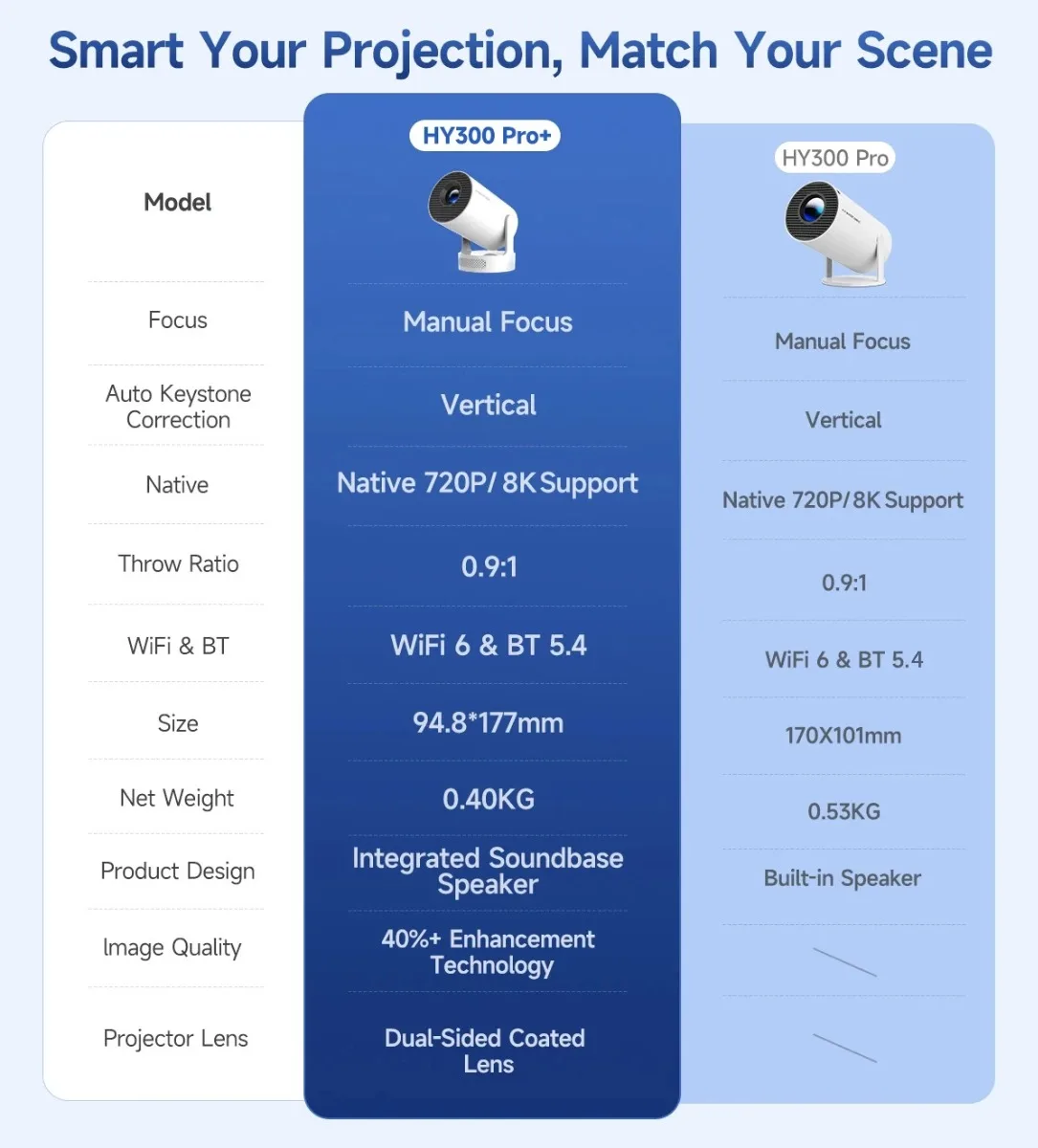
Smart Your Projection, Match Your Scene

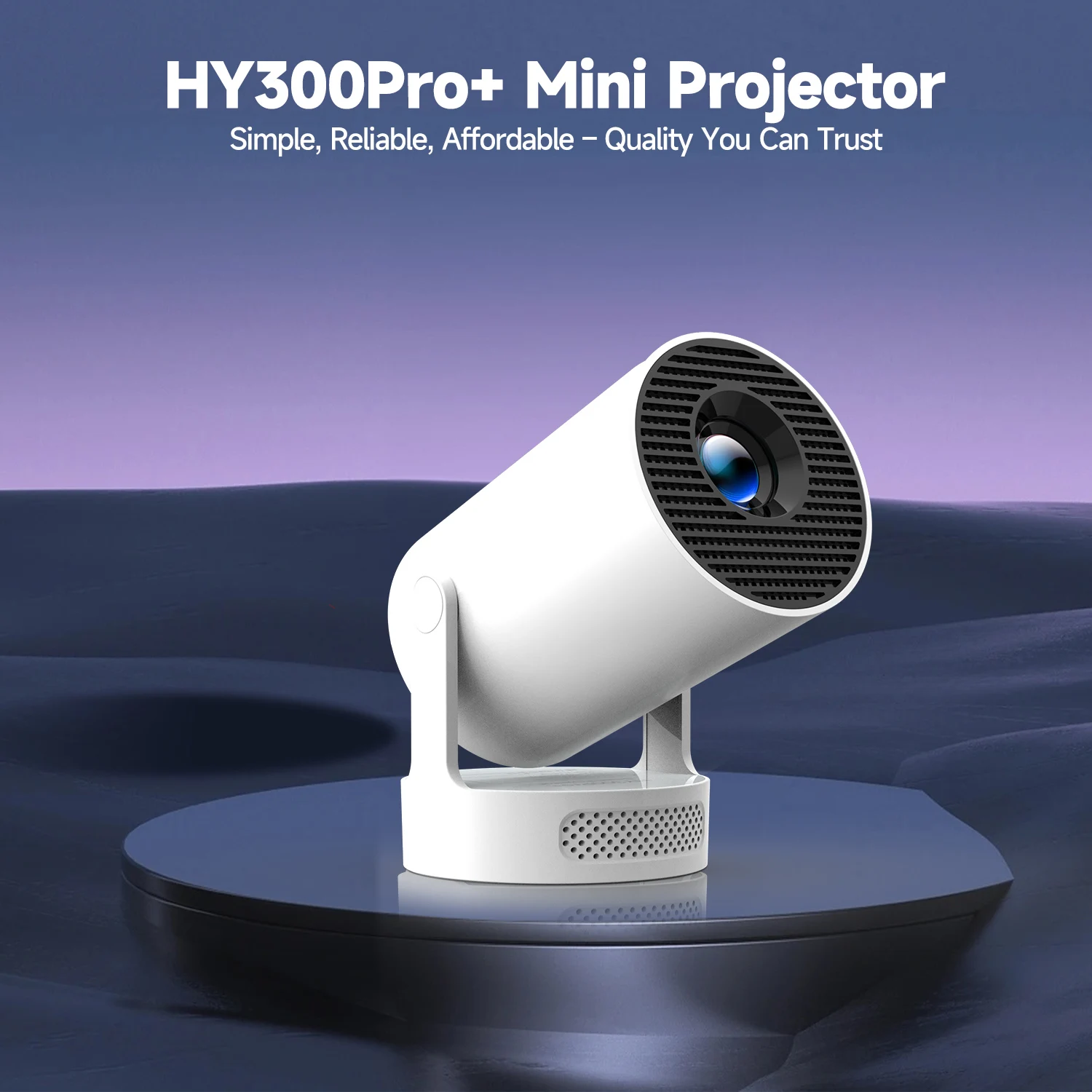
HY300Pro+ Mini Projector

Simple, Reliable, Affordable – Quality You Can Trust

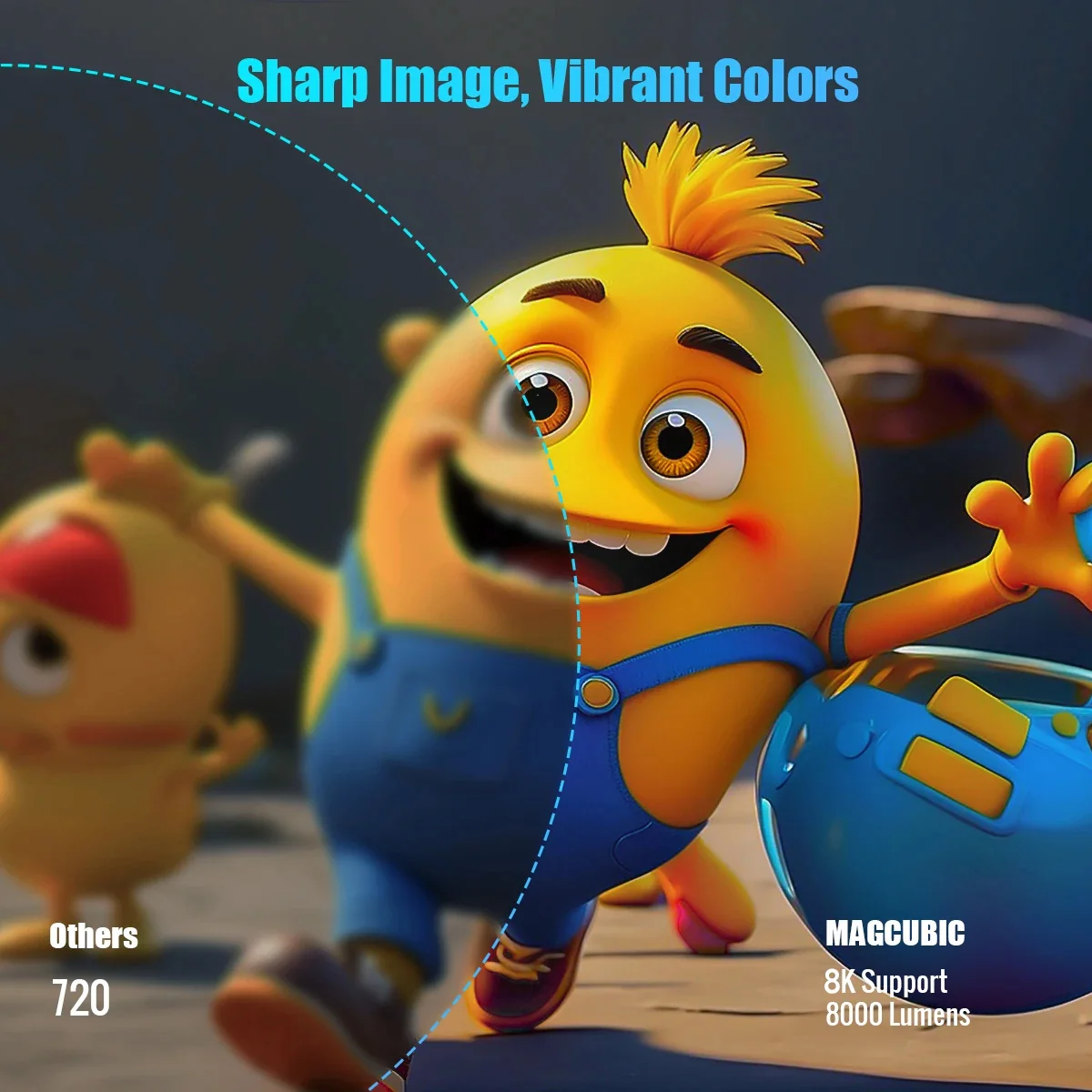
Sharp Image, Vibrant Colors

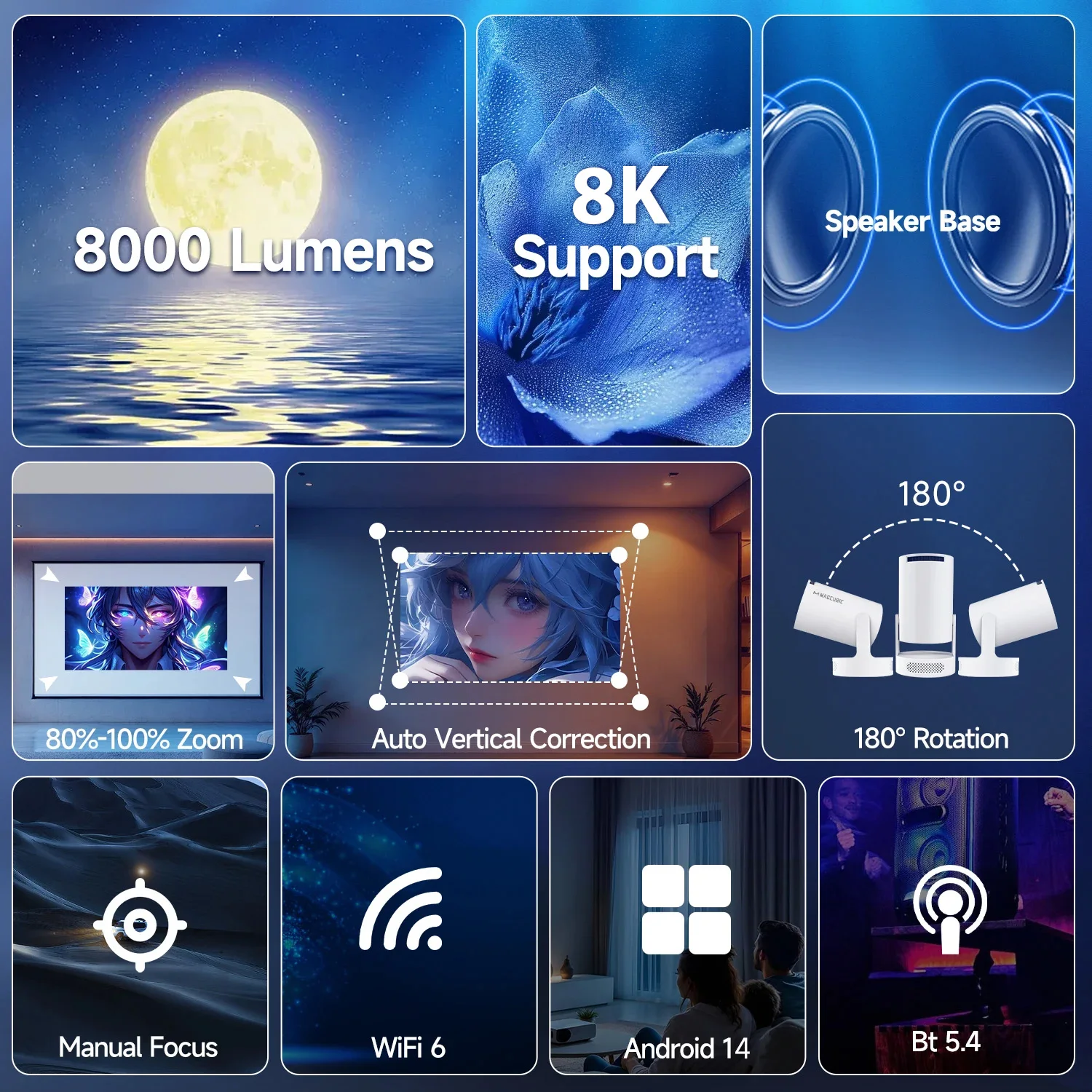
8K Support & 8000 Lumens

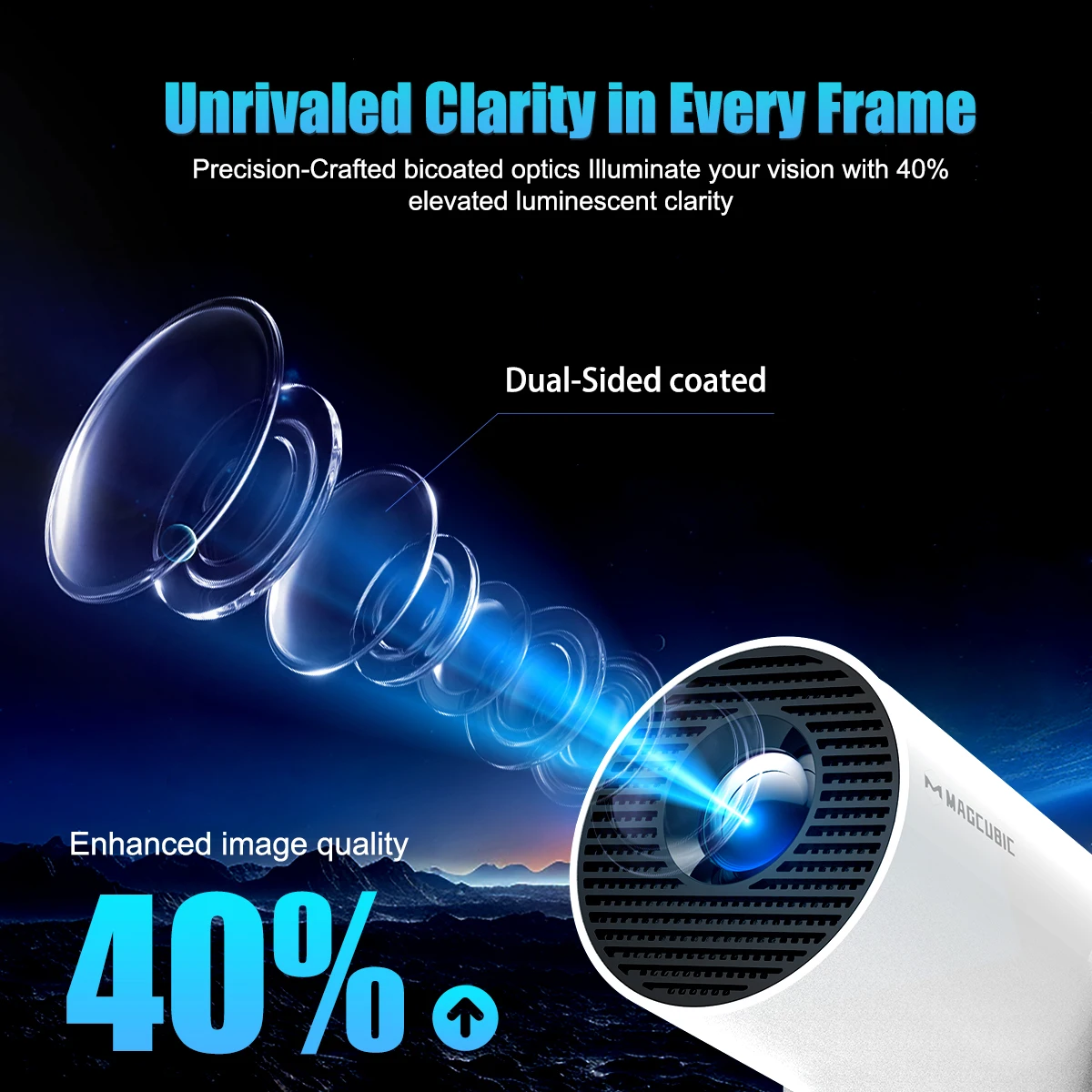
Unrivaled Clarity in Every Frame

Precision-Crafted bicoated optics Illuminate your vision with 40% elevated luminescent clarity

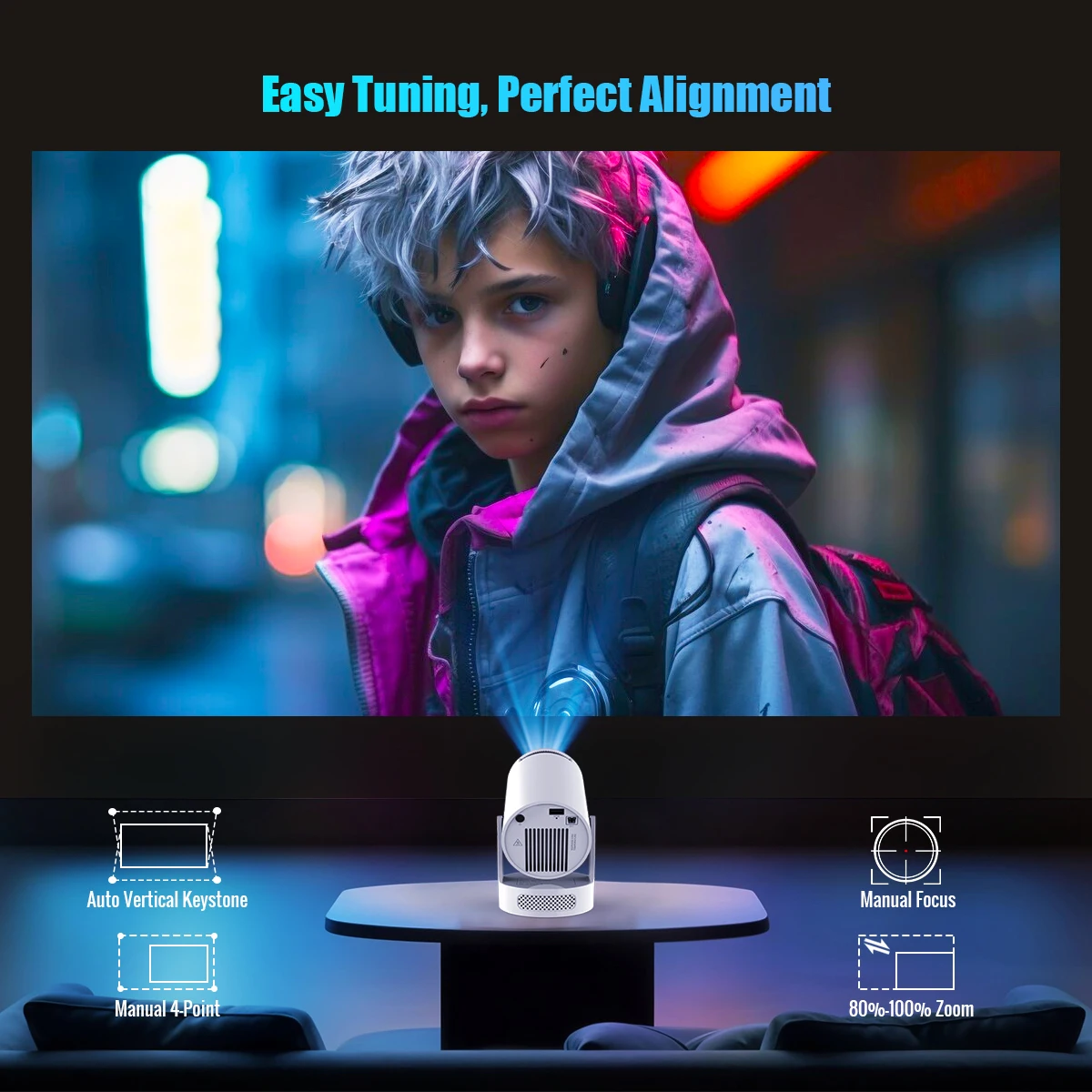
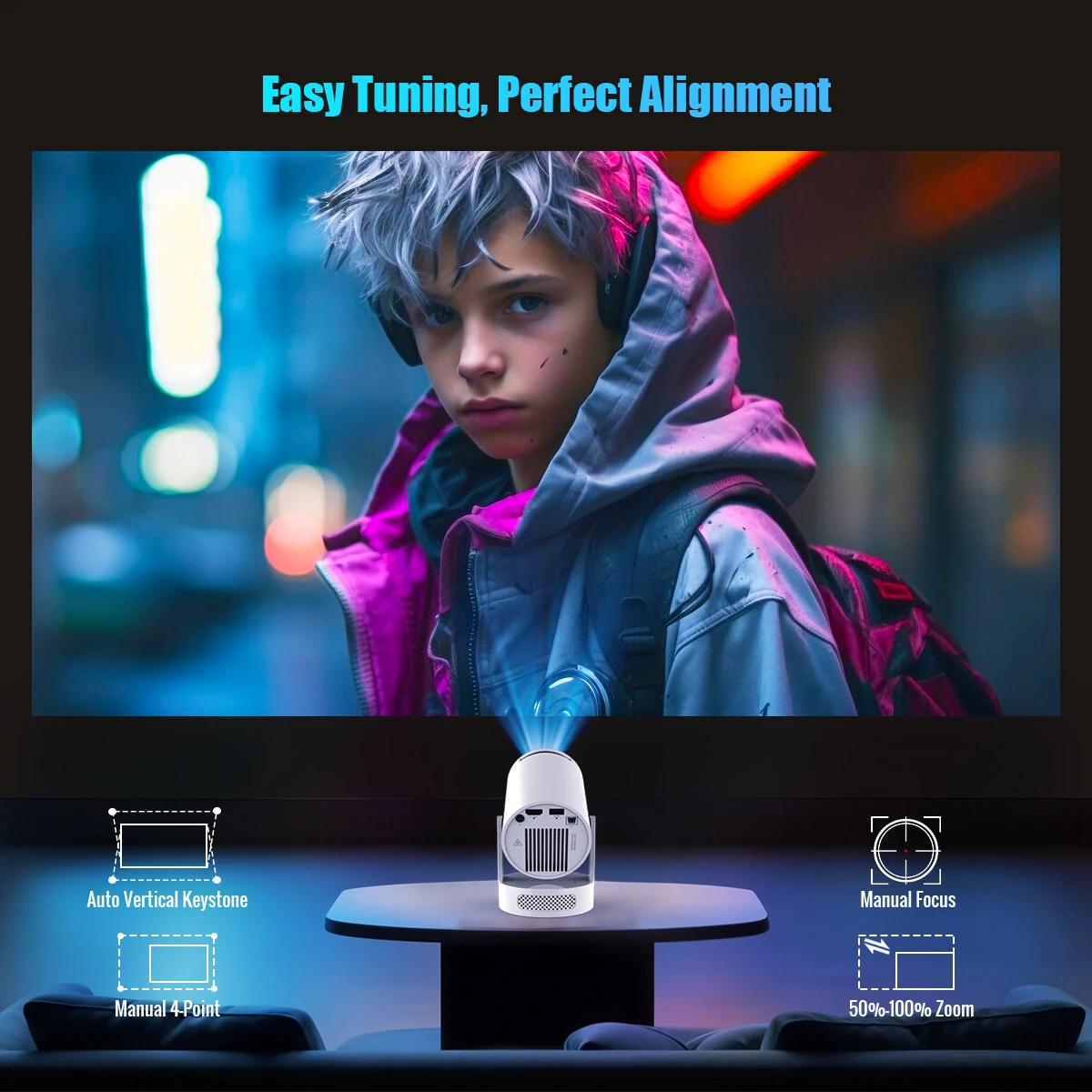
Easy Tuning, Perfect Alignment

Auto Vertical Keystone & Manual 4-Point & Manual Focus & 80%-100% Zoom

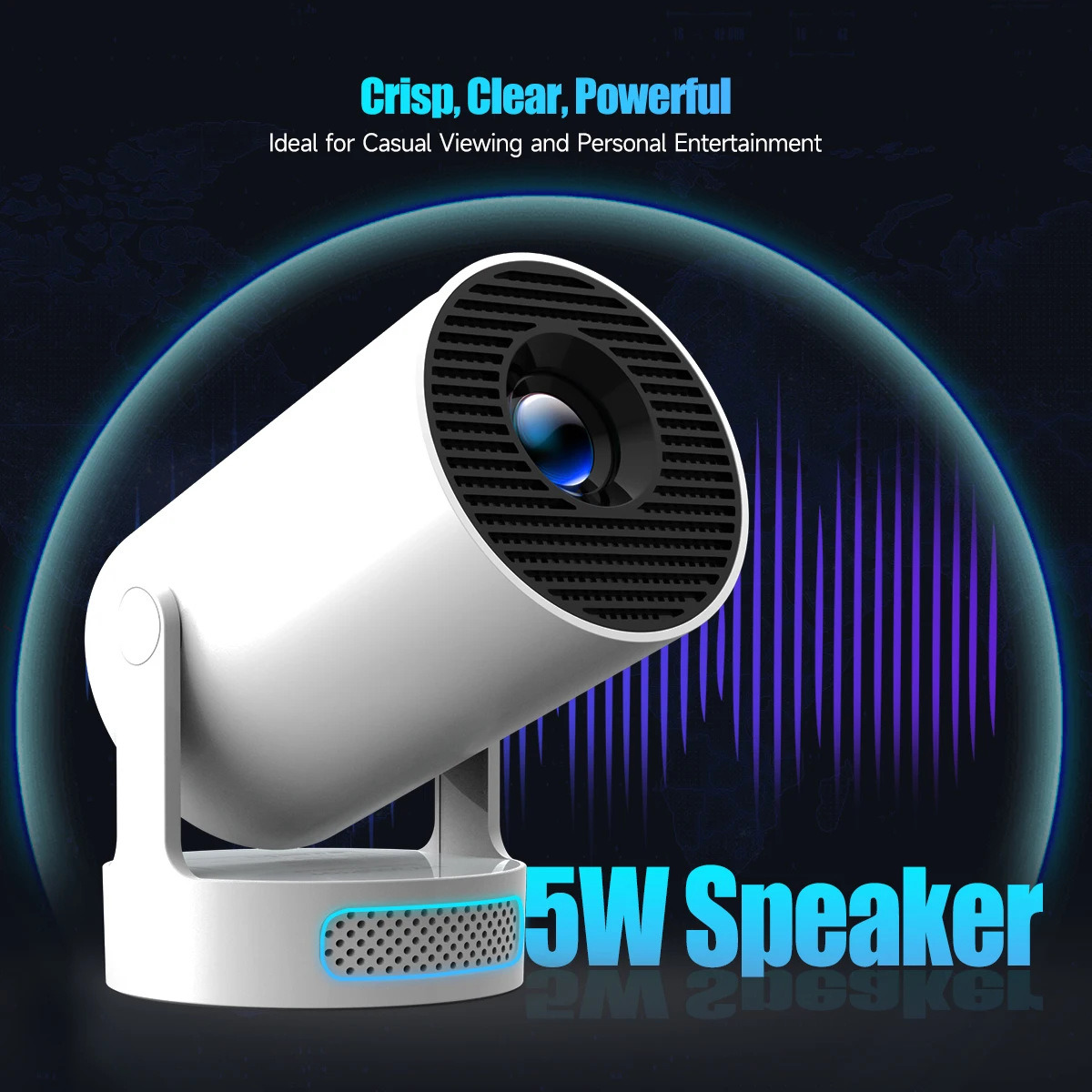
Crisp, Clear, Powerful

Ideal for Casual Viewing and Personal Entertainment

Excellent Stereo Sound

Supports HiFi Audio and is equipped with high-fidelity speakers to provide immersive sound effects

External Power & Cooler Operation

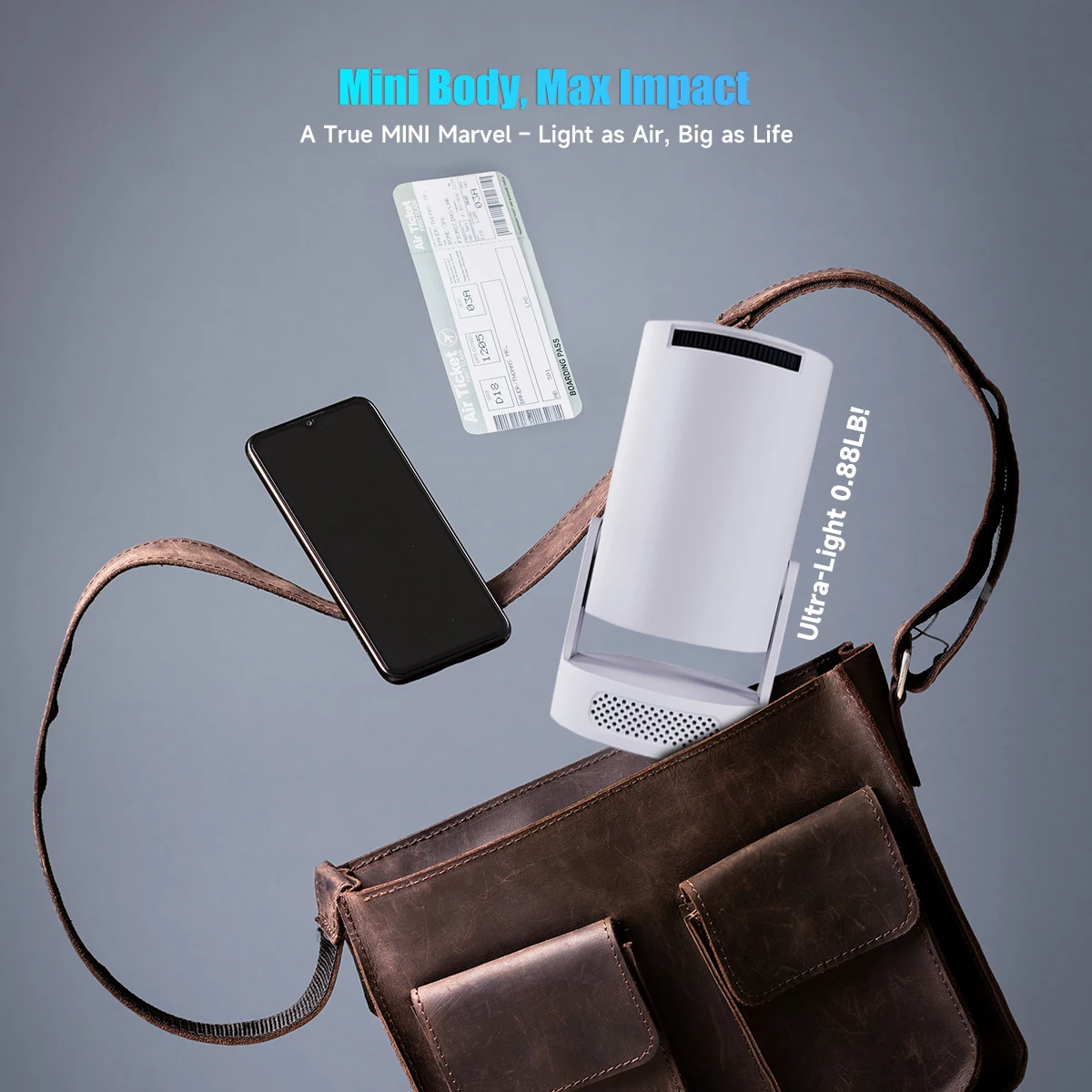
Mini Body, Max Impact

A True MINI Marvel – Light as Air, Big as Life

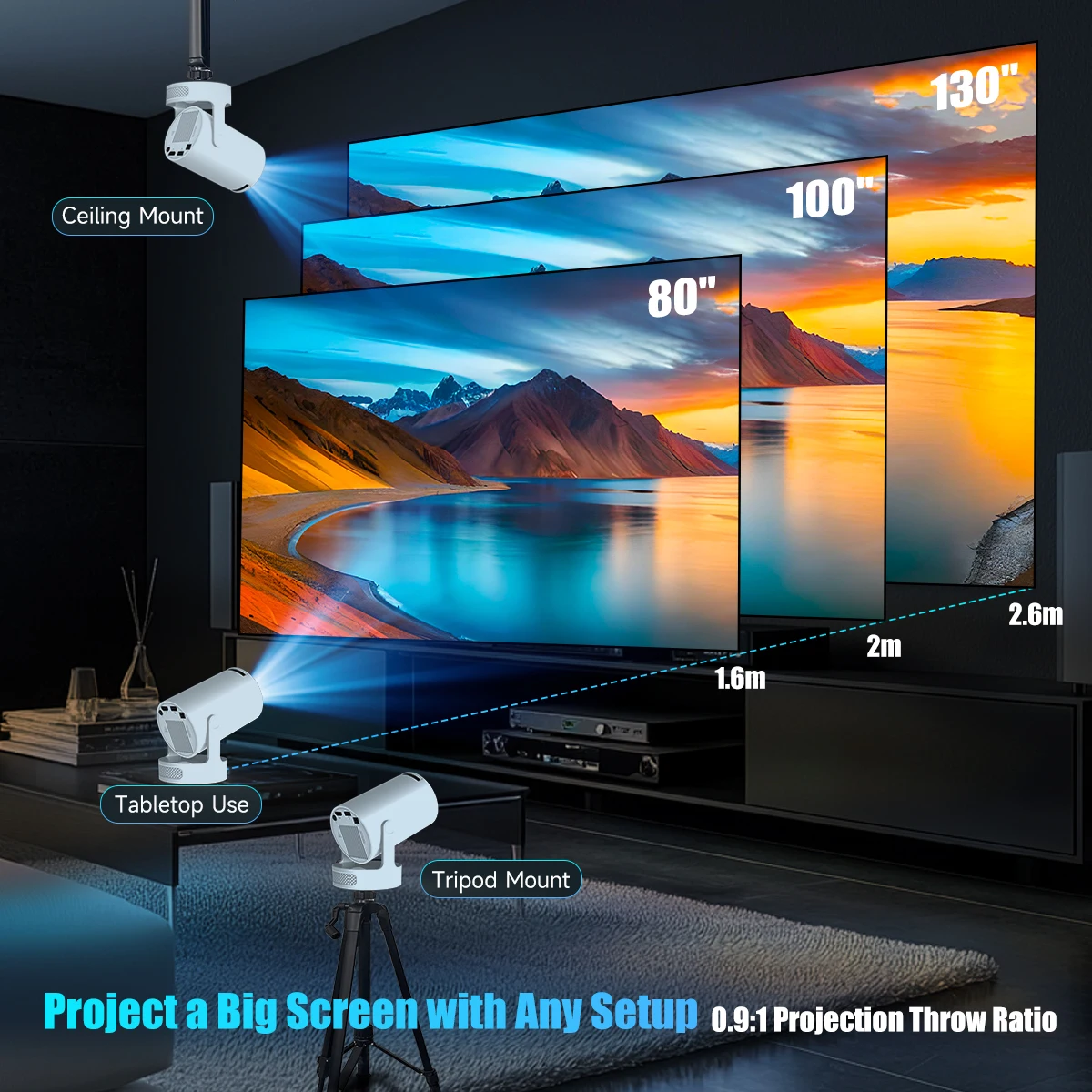
Project a Big Screen with Any Setup

0.9:1 Projection Throw Ratio, The recommended distance is 1.6 M for 80 inch

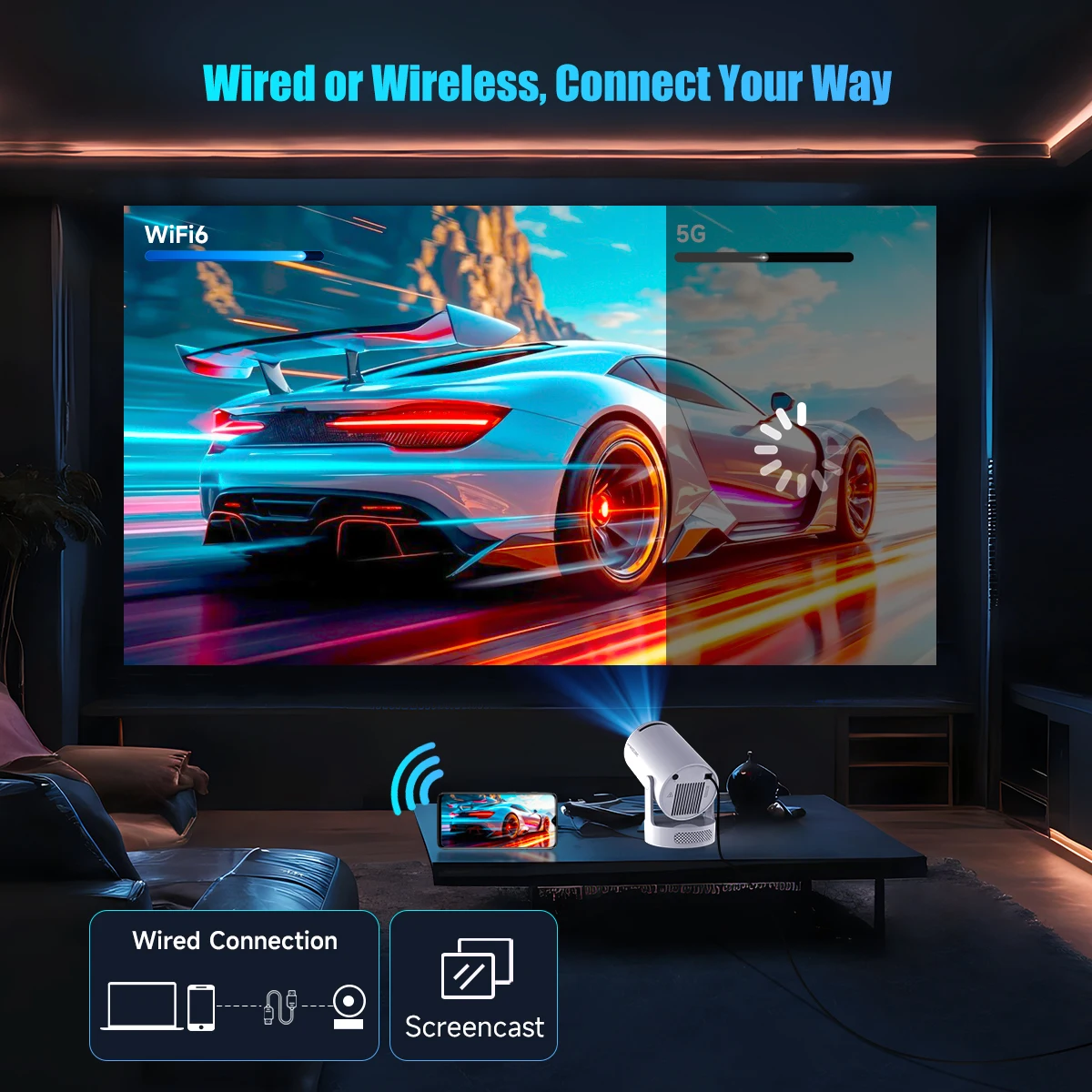
Wired or Wireless, Connect Your Way

Buffer-Free Streaming with Wi-Fi & BT5.4

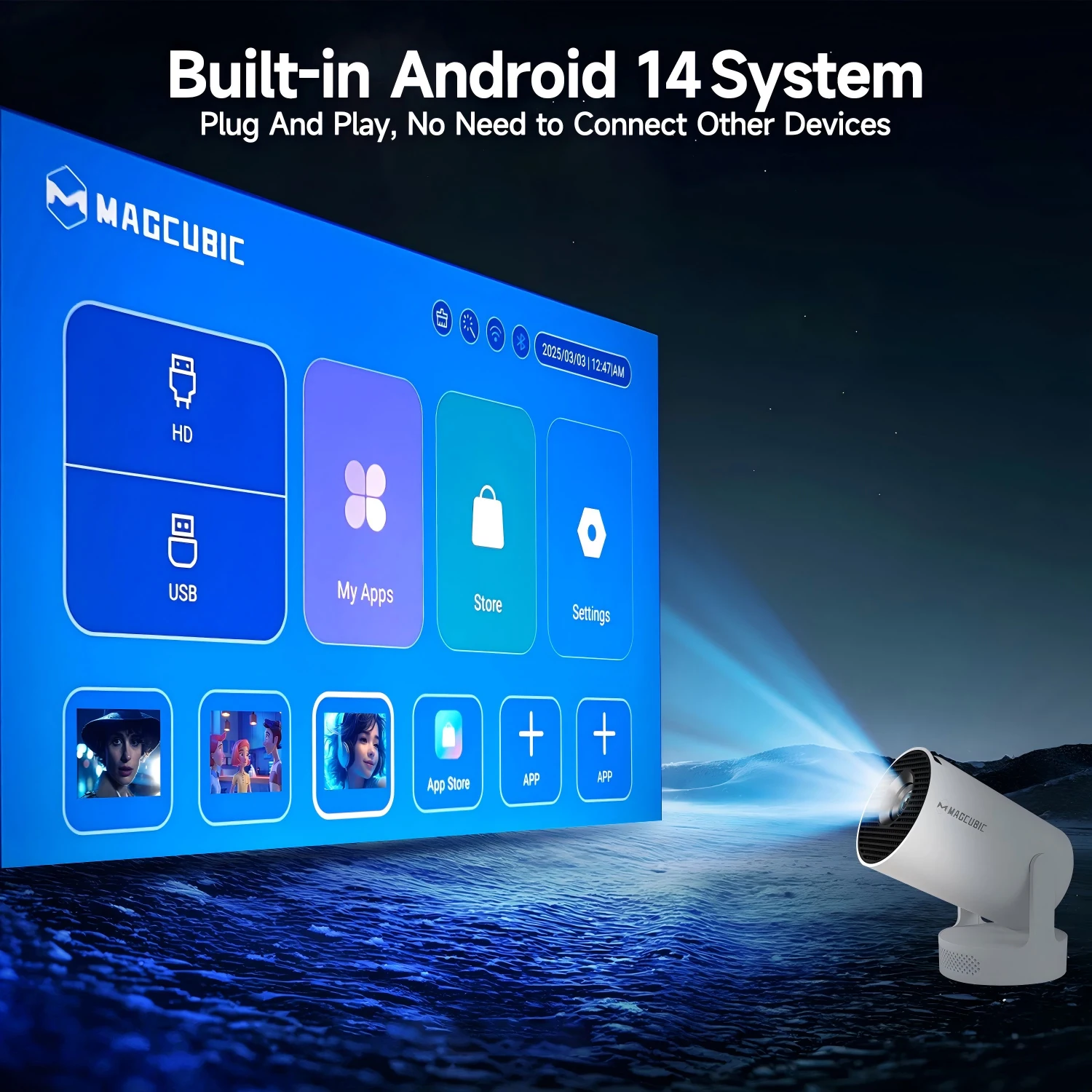
Built-in Android 14 System

Plug And Play, No Need to Connect Other Devices

180° Rotation for Ultimate Flexibility

Project on Walls, Ceilings, or Any Surface You Desire

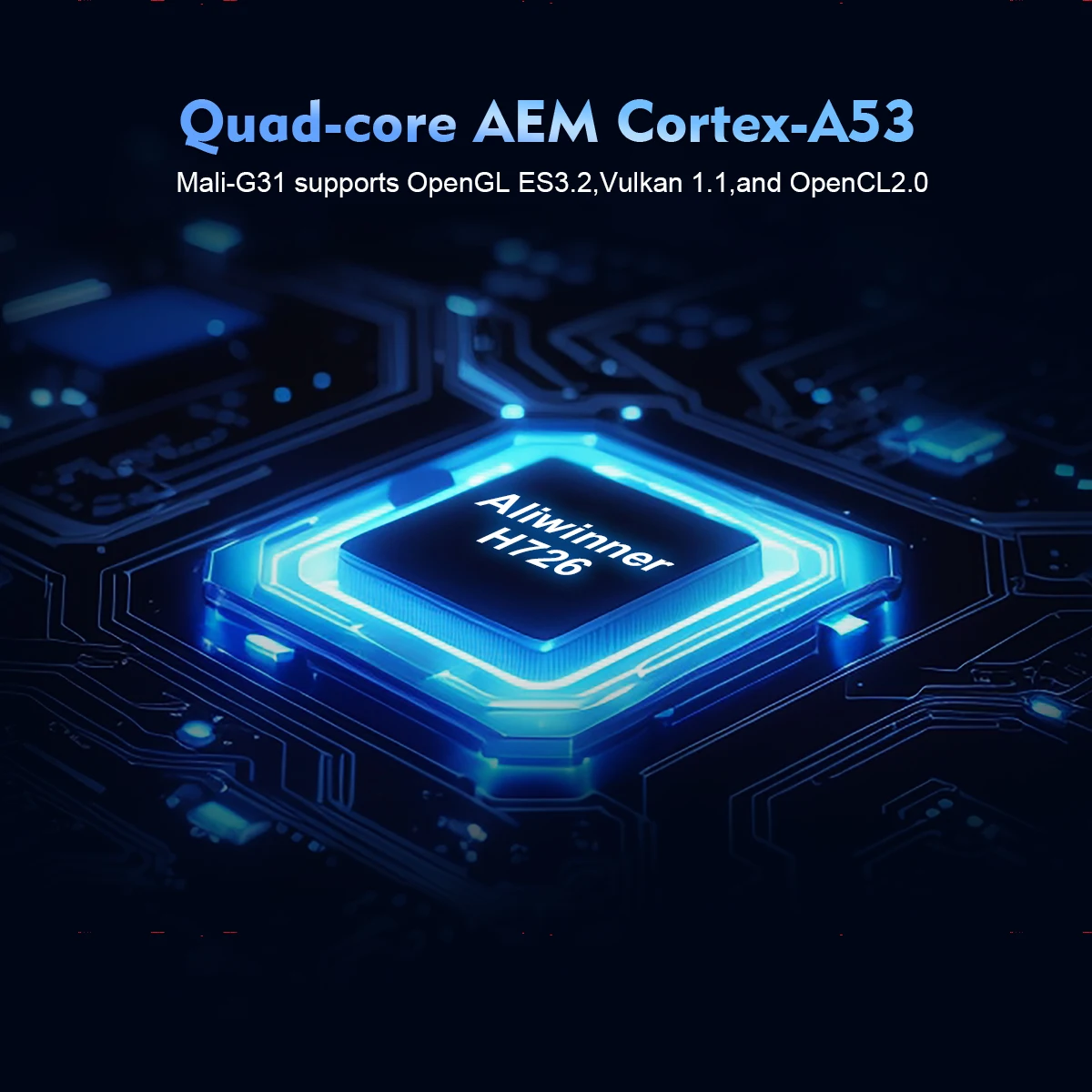
Quad-core AEM Cortex-A53

Mali-G31 supports OpenGL ES3.2,Vulkan 1.1,and OpenCL2.0

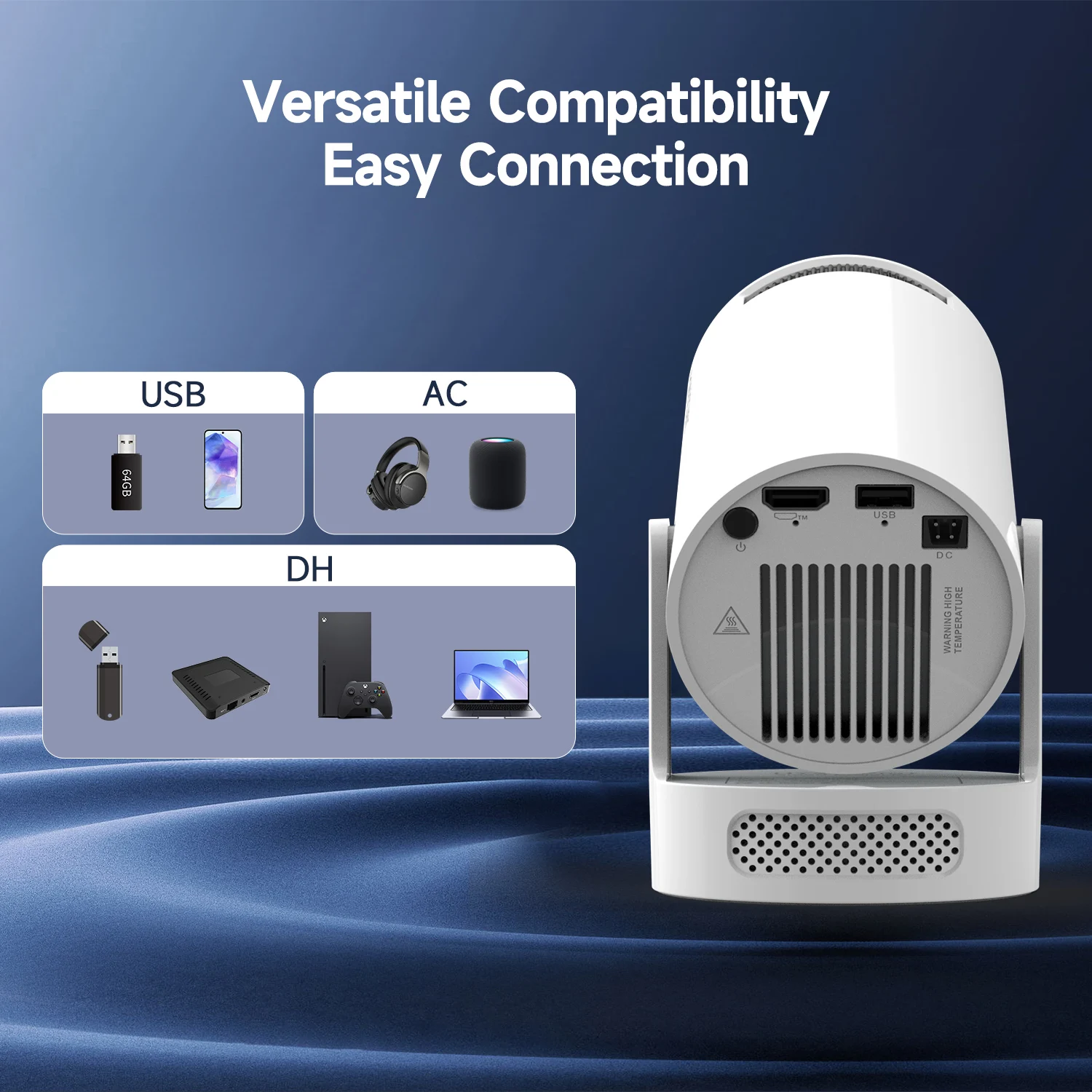
Versatile Compatibility, Easy Connection

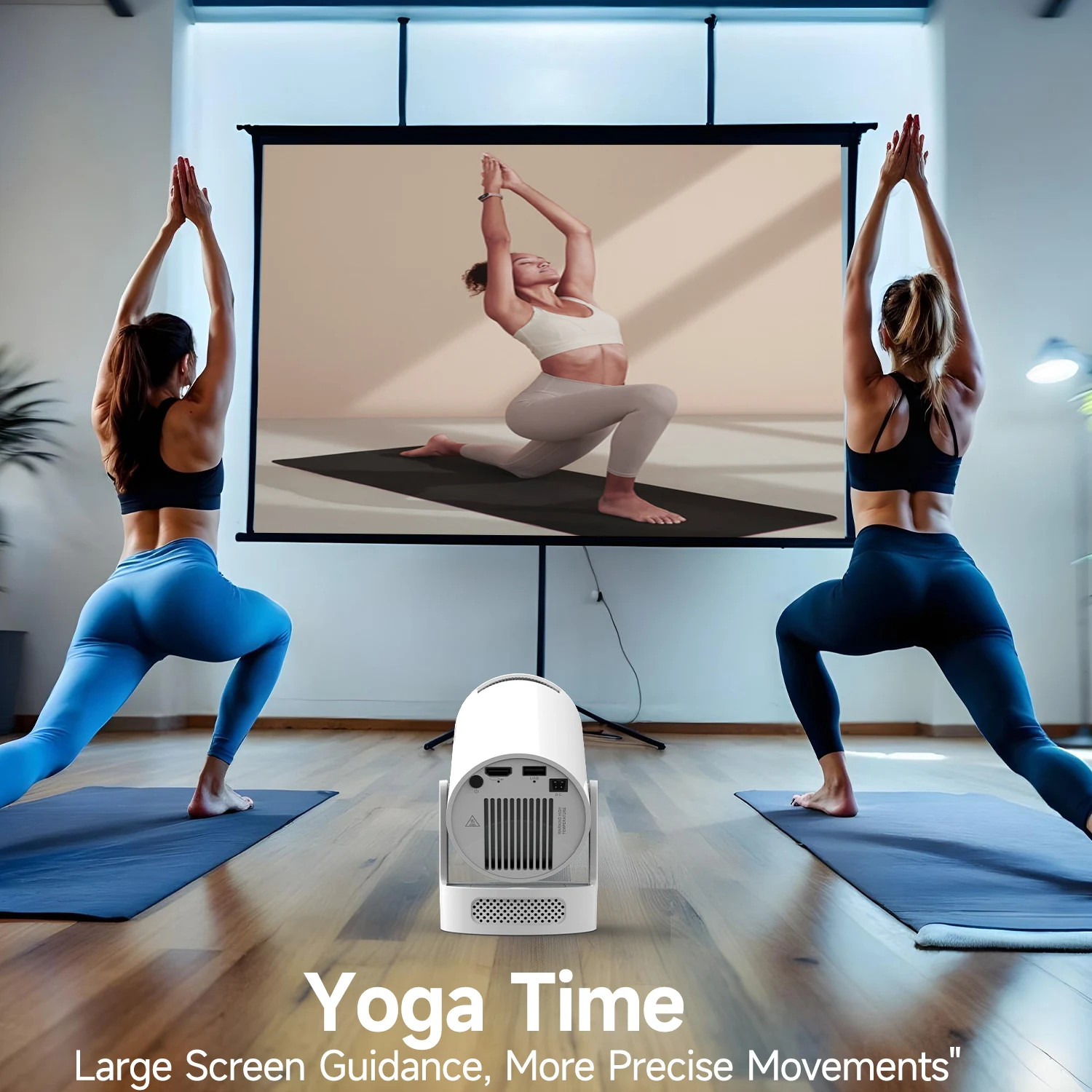
Yoga Time

Large Screen Guidance, More Precise Movements

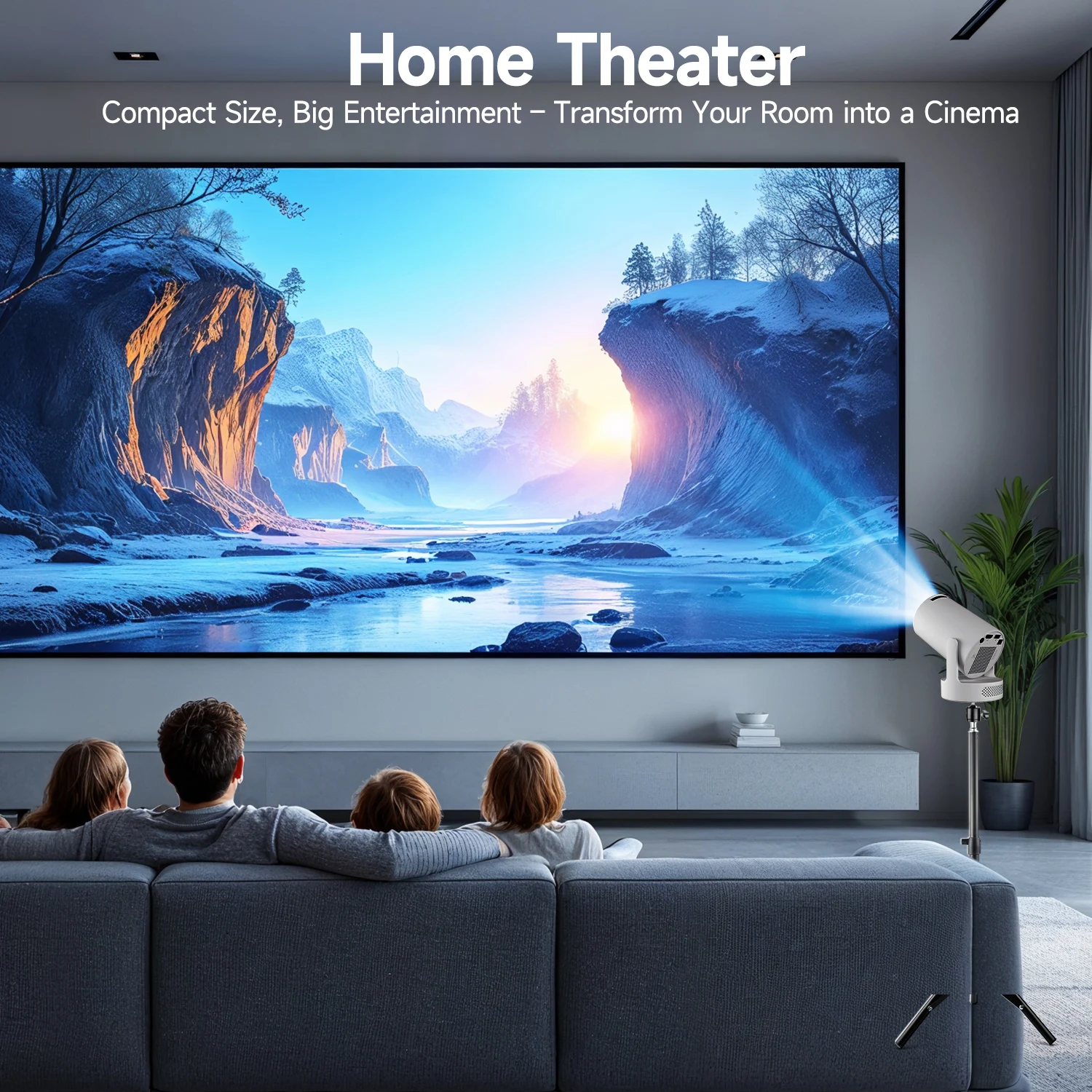
Home Theater

Compact Size, Big Entertainment – Transform Your Room into a Cinema

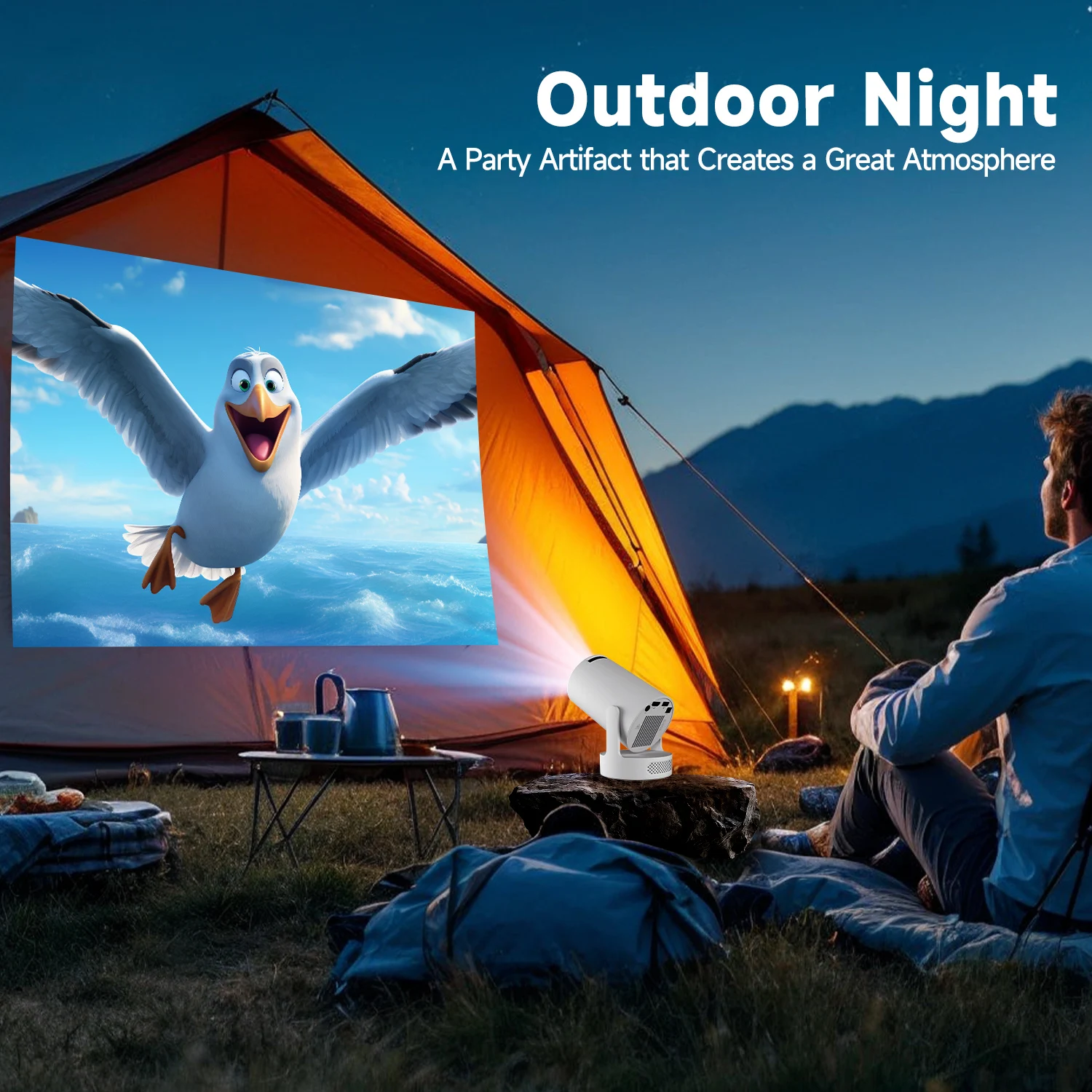
Outdoor Night

A Party Artifact that Creates a Great Atmosphere

Question & Answer


Q1: Why OTA Update Before Use?

A: To ensure optimal performance and take advantage of our latest features and updates, please upgrade to the most recent software version before first use. You can do this by navigating to Settings > About device > Online upgrade.


Q2: Is It Good for Daytime Use?

A: Due to its brightness limitations, the projector is ideal for dark environments, such as a backyard at night, a campsite after sunset, a living room with closed curtains, or a bedroom with the lights turned off.


Q3: Activate Manual Focus?

A: To help you fine-tune the sharpness of your projection, the HY300Pro+ projector features an internal gear mechanism. Simply rotate the gear to adjust the focus and achieve your desired level of clarity.


Q4: How to Get a Square Image?

A: Automatic vertical keystone correction works best when the projector lens is directly facing the wall. If the results are unsatisfactory, follow these steps:

1. Place the projector on a flat surface and ensure the lens is perpendicular to the wall.

2. Navigate to Settings > Projection Settings > Keystone Correction > Initial Angle Correction.

3. If needed, disable the automatic keystone correction and make manual adjustments for optimal alignment.


Q5: Adjust Picture Settings?

A: If the initial image quality is not to your liking, you can fine-tune the display parameters in user mode. Simply navigate to Settings > Projection Settings > Display Settings to customize and optimize your picture settings.


Q6: Can’t Connect to Wi-Fi?

A: 1. Ensure the projector and your router are within 16 feet (5 meters) of each other. Check if other devices connect to Wi-Fi.

2. Check the time zone settings by navigating to Settings > Time and Date > Time Zone and ensure it is accurate.

3. Attempt to connect to a different Wi-Fi network or use your phone's hotspot as an alternative.

4. Test both the 2.4GHz and 5GHz frequency bands on your router.

5. Reset the projector by going to Settings > Other Settings > Restore Factory Settings.


Q7: Screen-Mirror iOS?

A: 1.Ensure your device is updated to the latest version. You can do this by navigating to Settings > About device > Online upgrade.

2.Open the ScreenCast app.

3.Use AirPlay on your iOS device, making sure both devices are connected to the same Wi-Fi network.


You may also like

Livraison gratuite

Retour gratuit


Garanti pendant 30 jours

Questions fréquentes

Quelle est la politique de retour ?

Notre objectif est que chaque client soit entièrement satisfait de son achat. Si ce n’est pas le cas, faites-le-nous savoir et nous ferons de notre mieux pour trouver une solution avec vous.

Certains achats sont-ils définitifs ?

Nous ne pouvons pas accepter les retours sur certains articles. Ceux-ci seront clairement indiqués avant l’achat.

Quand recevrai-je ma commande ?

Nous nous efforcerons d’expédier votre commande le plus rapidement possible. Une fois votre commande expédiée, vous recevrez un e-mail contenant de plus amples informations. Les délais de livraison varient en fonction de votre emplacement.

Où sont fabriqués vos produits ?

Nos produits sont fabriqués localement et dans le monde entier. Nous sélectionnons avec soin nos partenaires de fabrication pour garantir que nos produits sont de haute qualité et d’un juste rapport qualité-prix.

Quels sont les coûts d’expédition ?

L’expédition est calculée en fonction de votre emplacement et des articles de votre commande. Vous connaîtrez toujours le prix de l’expédition avant d’effectuer votre achat.

Ce sac peut-il réellement contenir l'essentiel pour un week-end ?

Oui, malgré sa taille compacte, le volume optimisé vous permet d'emporter l'essentiel pour un week-end (2 à 3 jours). Grâce à l'utilisation efficace de cubes de rangement (compression) et à ses nombreux compartiments internes, vous pouvez généralement y loger deux tenues, des sous-vêtements, une trousse de toilette compacte et vos accessoires (ordinateur portable, chargeurs, etc.).

Quel type ou quelle taille d'ordinateur portable puis-je y mettre ?

Le sac est généralement équipé d'une poche rembourrée conçue pour accueillir la plupart des ordinateurs portables allant jusqu'à 15.6 pouces (ou parfois même 17 pouces pour les modèles fins). Cependant, il est essentiel de vérifier les spécifications du produit pour confirmer la taille maximale exacte supportée par le compartiment dédié avant l'achat.

8K HY300 Pro + Projector Built in 5W Speaker 1280*720P Android 14 8000 Lumens Wifi6 BT5.4 Outdoor Portable Projector

Nouveautés


Maximisez Chaque Centimètre ! Voyagez Léger et Intégralement Organisé avec notre Sac à Dos Cabine Homme/Femme.